Skip to content
Do the job once. Get the work instruction. A document your crew follows, step by step. Your expert records the job and talks through it. Blue drafts numbered steps with a photo for each, in your template. Your expert reviews and signs off before anyone uses it.
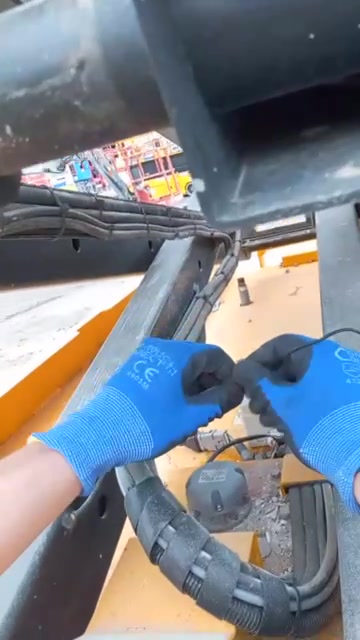
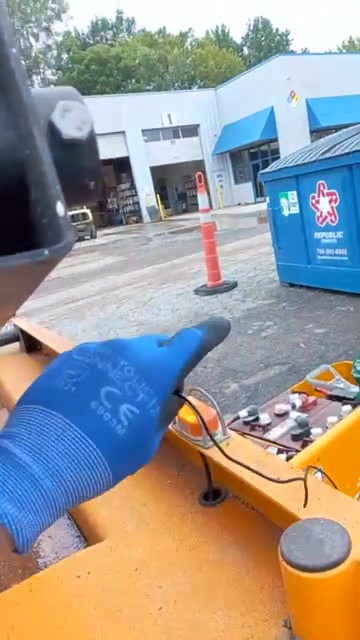
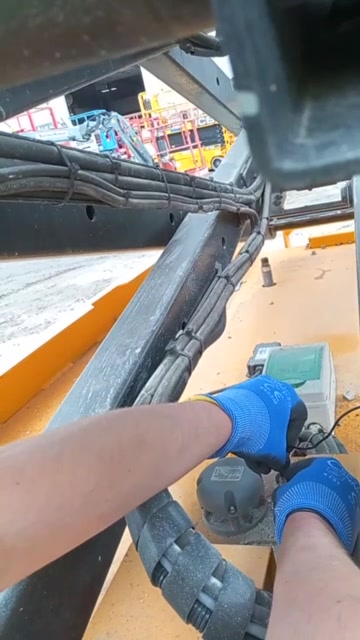
Record it the way it should be done Your expert does the task and talks through each step. The parts, the torque values, how the hoses route, the check at the end.No SOP yet, or one nobody reads? Start from the job itself, not a blank document.Writing one takes days and pulls your expert off the line. Record the work while it's being done instead.Start task by task. Sub-assemblies first, the whole unit later.Glasses keep both hands on the work. ↗ In your format, ready for the station A work instruction in your SOP template. Clear steps the team can follow after your expert signs off.Every step links to the moment in the video for anyone who needs to see it done.Print it for the station or keep it in the workspace.Open the full work instruction ↗ Draft for expert review
Example work instruction A layout example using demonstration footage. Your expert supplies and approves the process details before it is used.
Process Sub-assembly
Parts and tools Expert to specify 1
Prepare the station The expert identifies the parts, tools and starting setup. Add the approved references to this step.
Watch this step ↗ 2
Show the sequence The expert demonstrates the task and explains the order of work, including the part numbers and specified values.
Torque value: expert to confirm.
Watch this step ↗ 3
Define the final check The expert records the final check and the expected result. Review the instruction before releasing it to the station.
Watch this step ↗ Reviewed by: ____________________
The same steps for the next person New hires and people rotating between stations follow the same reviewed steps, with a photo for each one.Ask it questions at the station. “What's the torque on this?” “What's next?” Blue answers from the instruction.Process changes? Re-record the step. Have your expert review the update before the team follows the new version.Just need answers on the job? That's Training : your crew's know-how, there when someone asks.Ask the example instruction What's next? What's the torque?
Next is the final check. The expert records what to check and the expected result before the instruction is released.
Read step 3: Define the final check ↗ Turn your best person’s process into the standard Send us one process. We’ll help you record it and turn it into a work instruction.
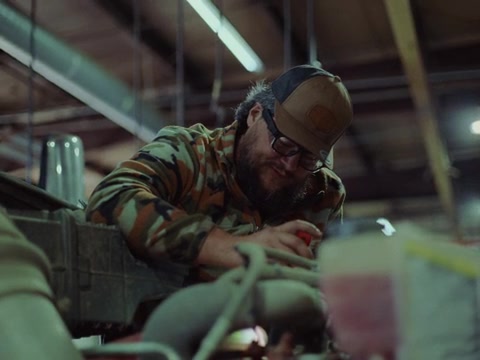
A moment from Meet Marshall.
Work instruction example × Print the instruction ↗
Example process recording × Your browser does not support this video. Open the recording . Open the example instruction →