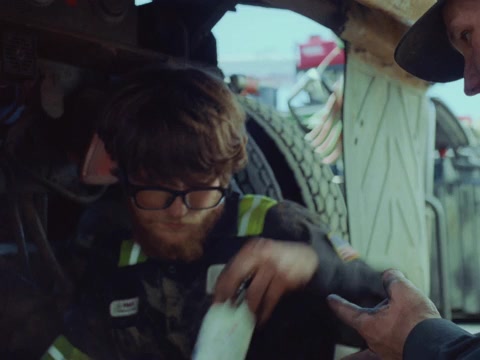
Example note Inspection

Tires and drive motorsCheck for leaksVoice + video · Draft for review

The protection you wear. A camera, microphones, and speakers built in. Get to know the pair that keeps your hands on the job.
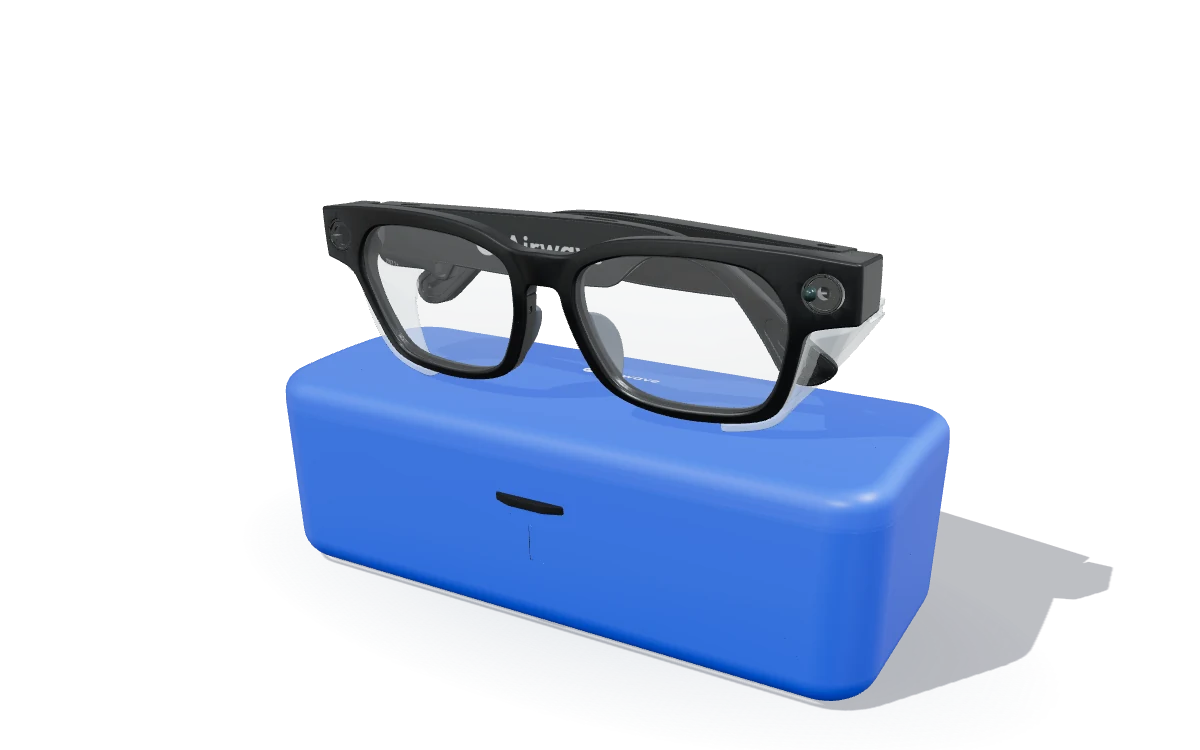
A lightweight safety frame with the useful things built in. Take a closer look at each part.
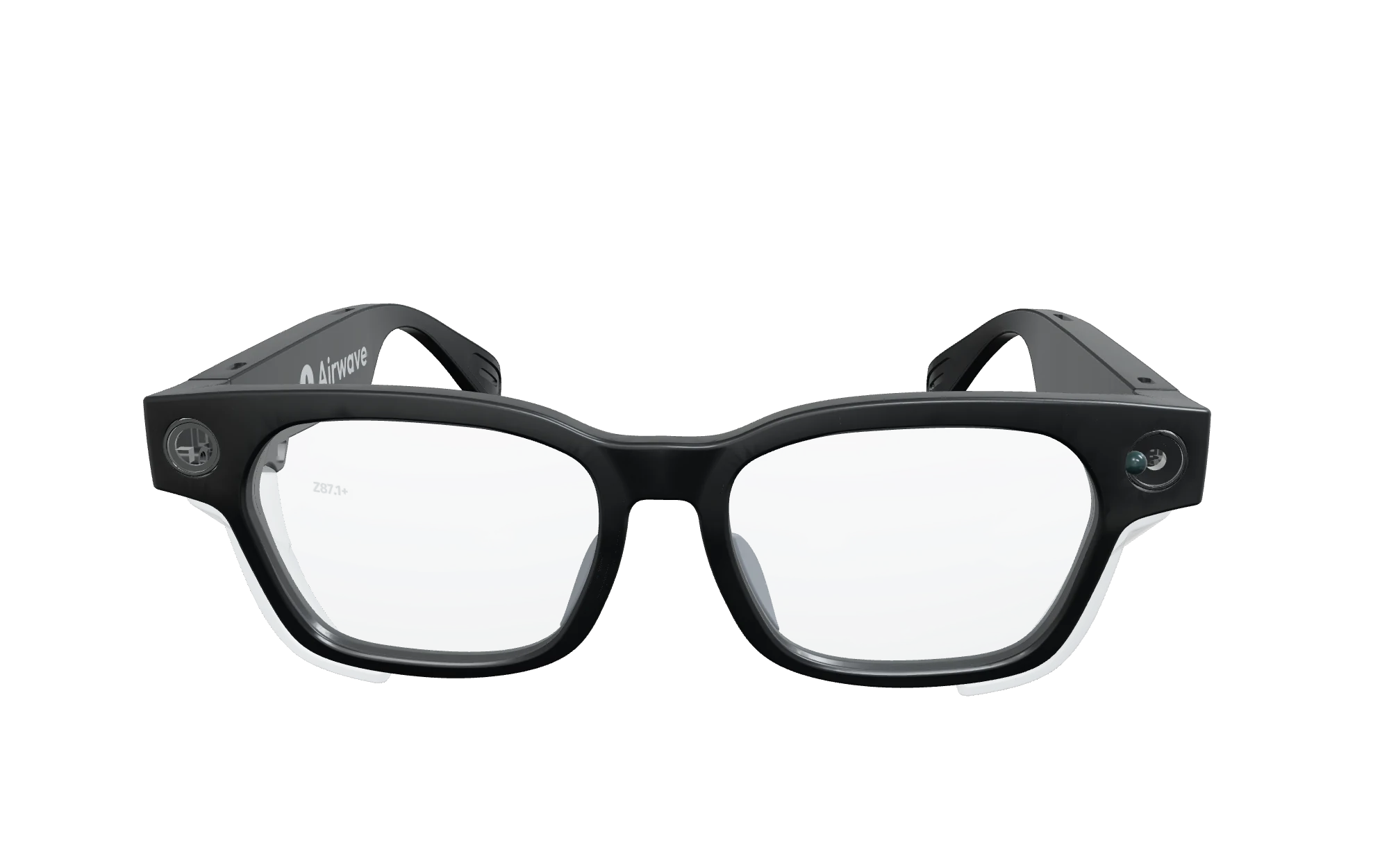
Drag to turn. Scroll or pinch to zoom.
ANSI Z87.1 certified glasses with Z87.1+ impact-rated lenses and detachable side shields. A flexible TR90 frame keeps the weight at 42.5 grams.
A camera in the frame captures the nameplate, the worn part, or the repair in front of you. Press once for a photo. Hold to start a video.
A five-microphone array with active noise reduction and echo suppression keeps your voice clear. Two open-ear speakers bring your phone’s audio to the glasses.
Nothing in your ears. No extra headset to carry.
The everyday controls are right on the frame. Turn them on, capture a detail, and get back to the task.
Capture the nameplate, the worn part, and the repair. Clear photos, stabilized video, and your voice behind the details.
Capture photos and video without a signal. Import them into the Airwave app over a direct Wi-Fi connection when you’re ready.
Your recordings, your control“Check the tires, check the drive motors for leaks”
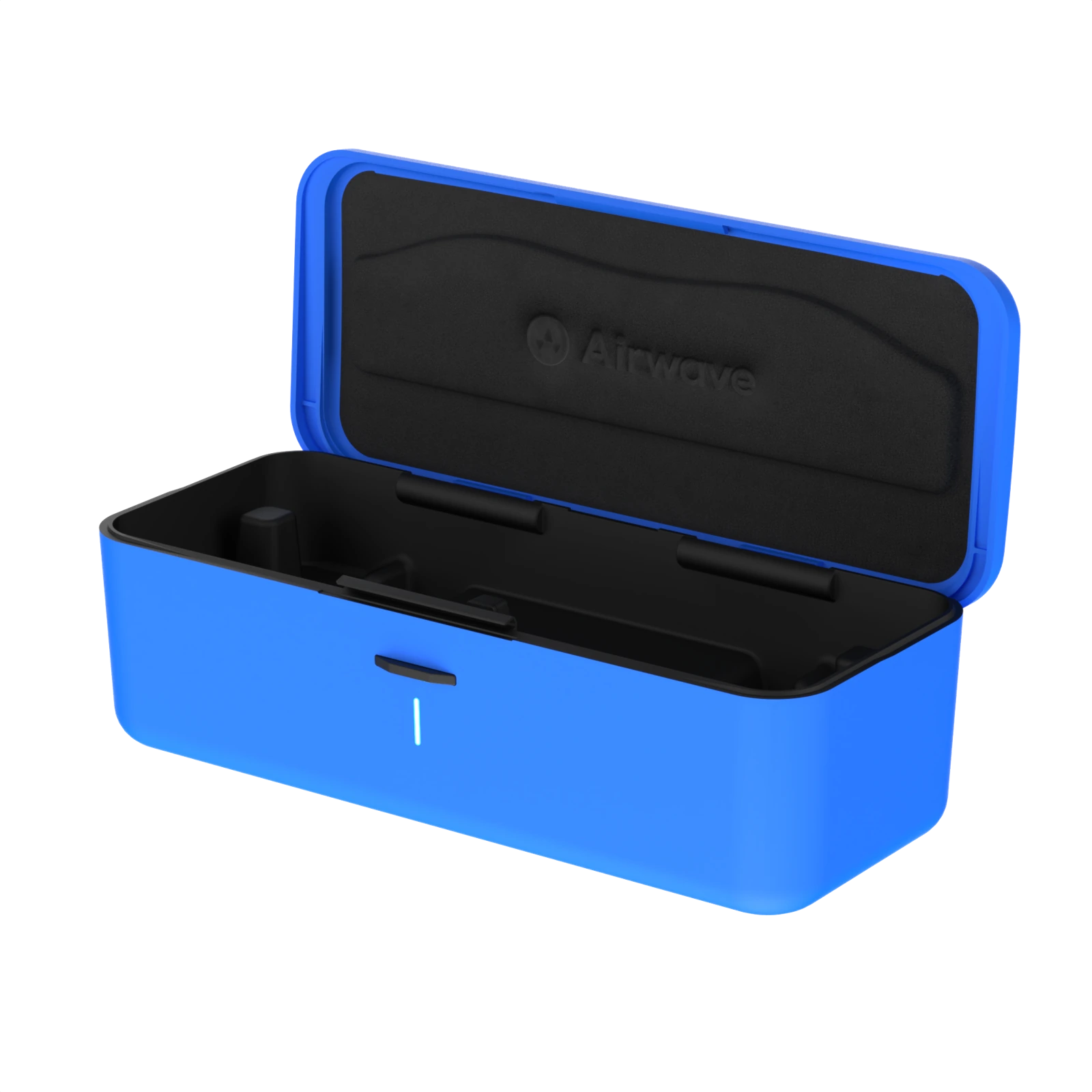
Set your glasses in the case. Charge up between jobs and keep a reserve with you.
Recharge the case over USB-C. Your glasses can charge while the case is plugged in, and you can import media while they charge.
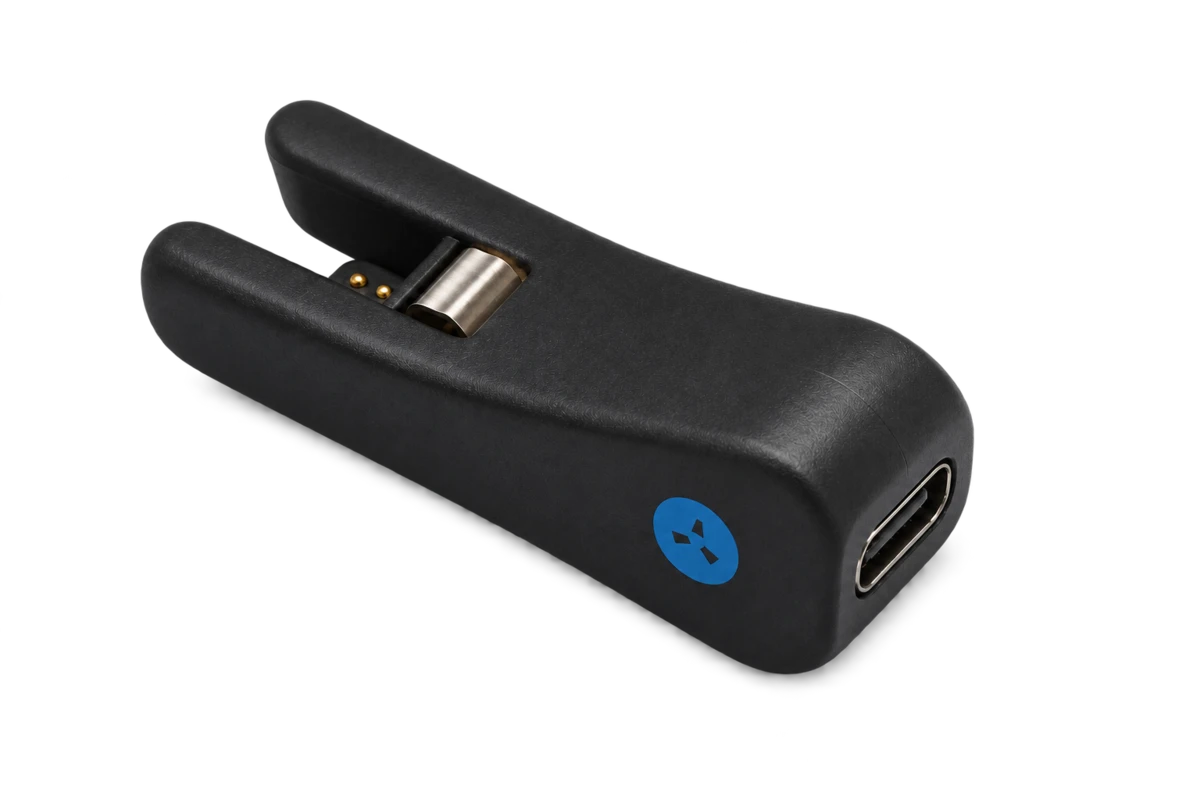
The additional charging clip snaps onto the nose bridge and connects to a USB-C cable. A small alternative when you want to charge with the side shields fitted.
Before you put them to work.
Yes. Prescription and transition lens options are available through Airwave. Start with the prescription form. Follow Airwave’s fitting guidance to preserve the safety rating.
You can capture photos and video on the glasses without a signal. Pair with your phone for calls and audio, and use the Airwave app to import your recordings. Blue’s online answers need a connection.
The user manual specifies up to three minutes per clip, with 60–90 seconds recommended. The battery supports about one hour of continuous video in total. For longer jobs, capture several clips and photos.
If the shields prevent the glasses from seating in the case, use the nose-bridge charging clip and a USB-C cable. Keep the shields fitted and check that the charging contacts are clean and dry.
Keep the camera view clear and the charging contacts clean and dry. Follow the user manual for fitting, charging, and safety-shield instructions.
Take a closer look with us. Or find the plan that fits.